
Help Center
Reporting
Dashboards and analytics for contacts, pipelines, campaigns, and team performance.
Last updated
Seedly does not have a single standalone reports section. Instead, analytics live on the main Dashboard and on each module's own analytics view, covering your contacts, pipeline health, campaign performance, and team activity. All of these views update live. The sections below group the available metrics by area.
Available Dashboards#
Contacts#
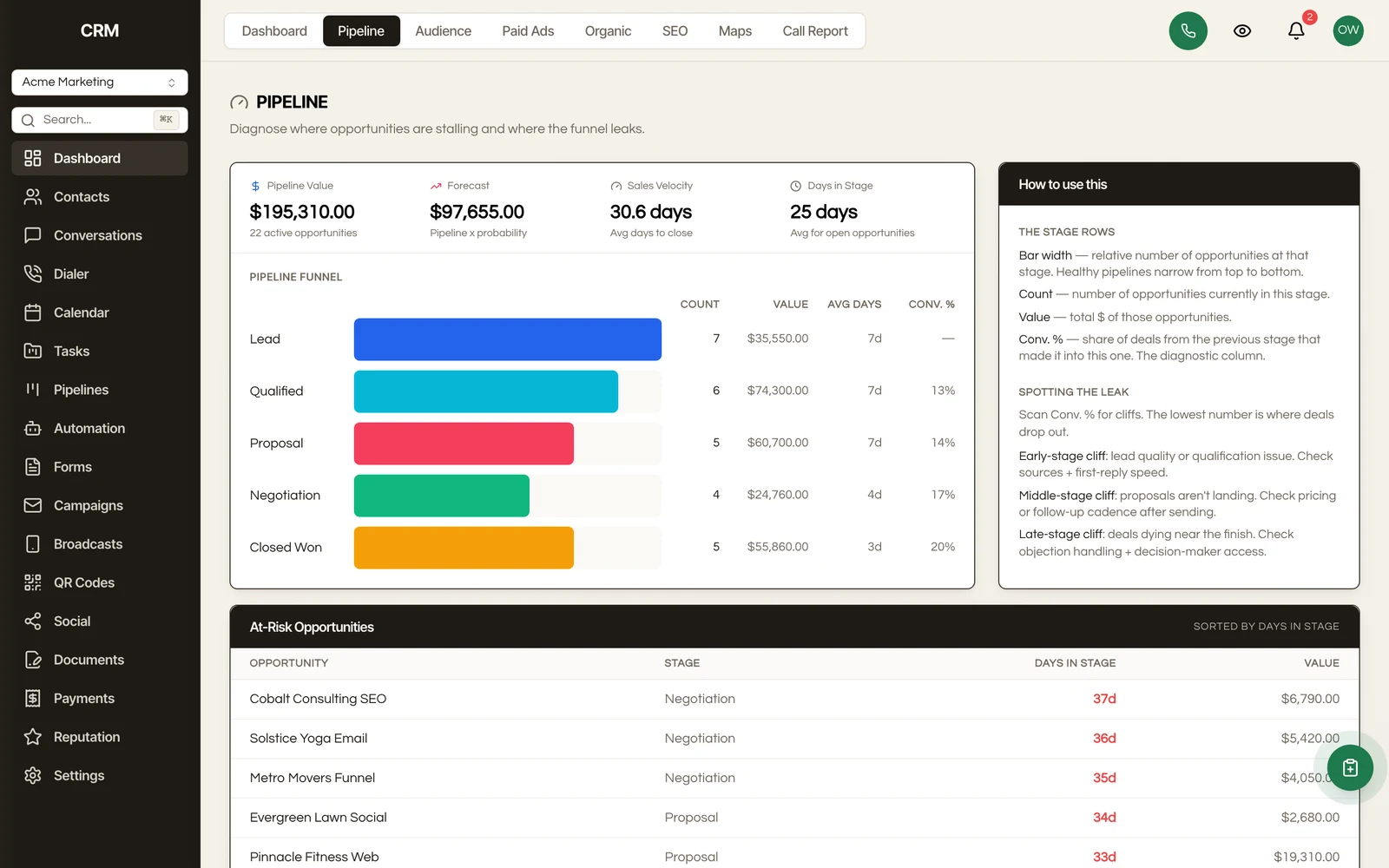
Track your contact database over time:
- New contacts - How many contacts were added in a given period
- Contacts by source - Breakdown of where contacts originated (forms, imports, manual, integrations)
- Contacts by lifecycle stage - Distribution across Lead, Qualified, Customer, Repeat, and Inactive
- Engagement score distribution - How many contacts fall into Hot, Warm, Cool, and Cold tiers
- Growth trend - Contact count over time
Pipeline#
Monitor your sales performance:
- Pipeline value - Total value of all open opportunities
- Opportunities by stage - How many deals are in each stage
- Win rate - Percentage of opportunities that close as Won
- Average deal size - Mean value of closed-won opportunities
- Sales velocity - Average time from opportunity creation to close
- Revenue over time - Closed-won revenue by period
- Stage conversion - Drop-off rates between stages
Campaigns#
Measure your marketing effectiveness:
- Campaigns sent - Number of campaigns delivered in a period
- Delivery rate - Percentage of messages successfully delivered
- Open rate - Percentage of delivered emails that were opened
- Click rate - Percentage of delivered emails where a link was clicked
- Bounce rate - Percentage of messages that failed to deliver
- Unsubscribe rate - Percentage of recipients who opted out
- Top-performing campaigns - Ranked by opens, clicks, or engagement
Team Performance#
Track your team's activity:
- Conversations handled - Number of conversations each team member participated in
- Response time - Average time to first response per team member
- Messages sent - Volume of outbound messages by team member
- Opportunities managed - Deal count and value per team member
- Tasks completed - Task completion rate by team member
Calls#
Measure your team's calling activity (the Calls page covers this in full):
- Total calls - Calls placed and received in a period
- Connect rate - Share of calls that reached a person
- Talk time - Total time spent on connected calls
- Outcomes and dispositions - How calls ended and the outcome tags your team applied
- Rep leaderboard - Calls and talk time by team member
Filtering#
All dashboards support:
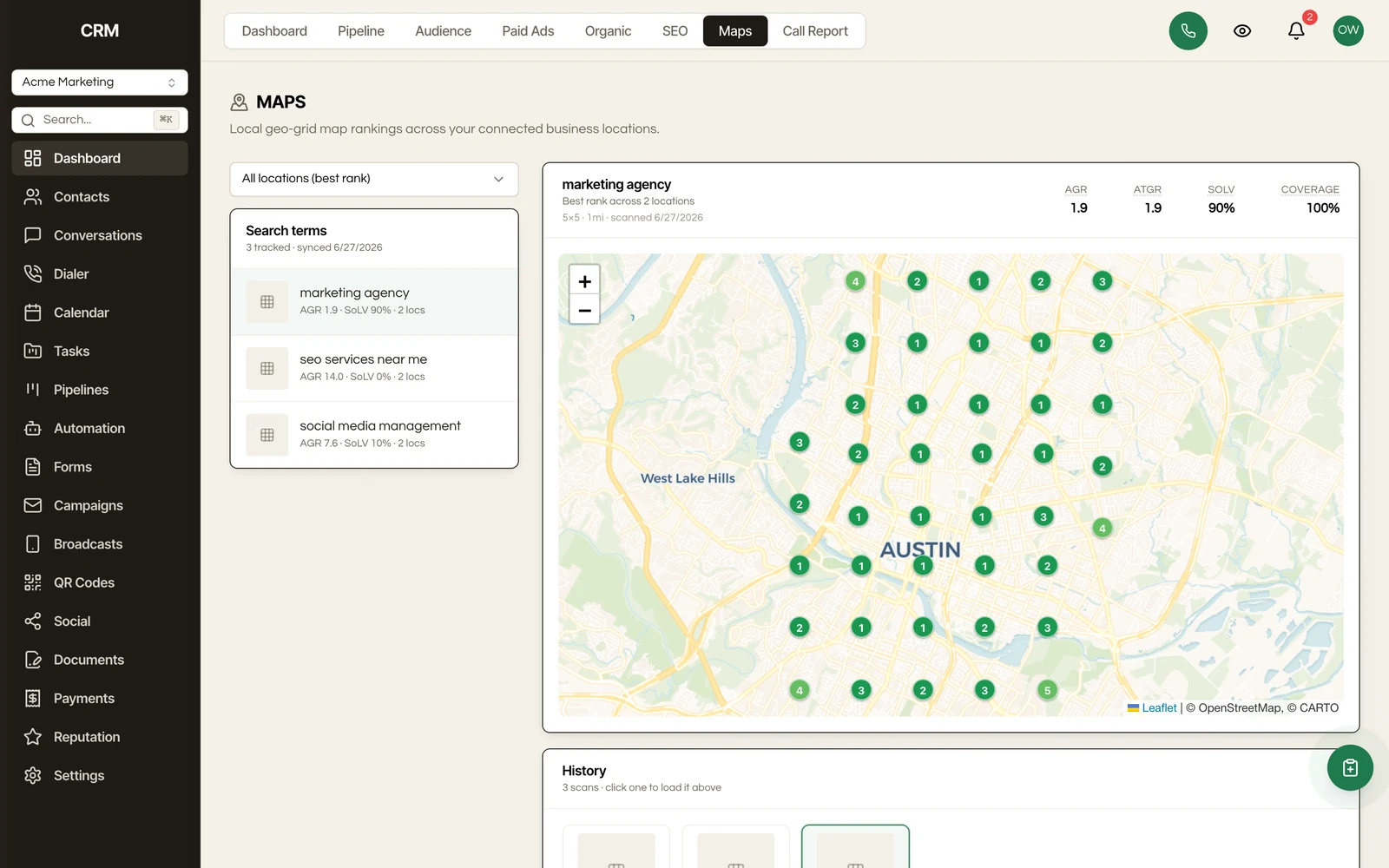
- Date range - Preset ranges (today, this week, this month, this quarter, this year) or a custom date range
- Comparison - Compare the selected period to a previous period (e.g., this month vs. last month)
Some dashboards also support filtering by:
- Assigned user
- Pipeline
- Source
- Tags
Charts and Visualizations#
Reports include a mix of:
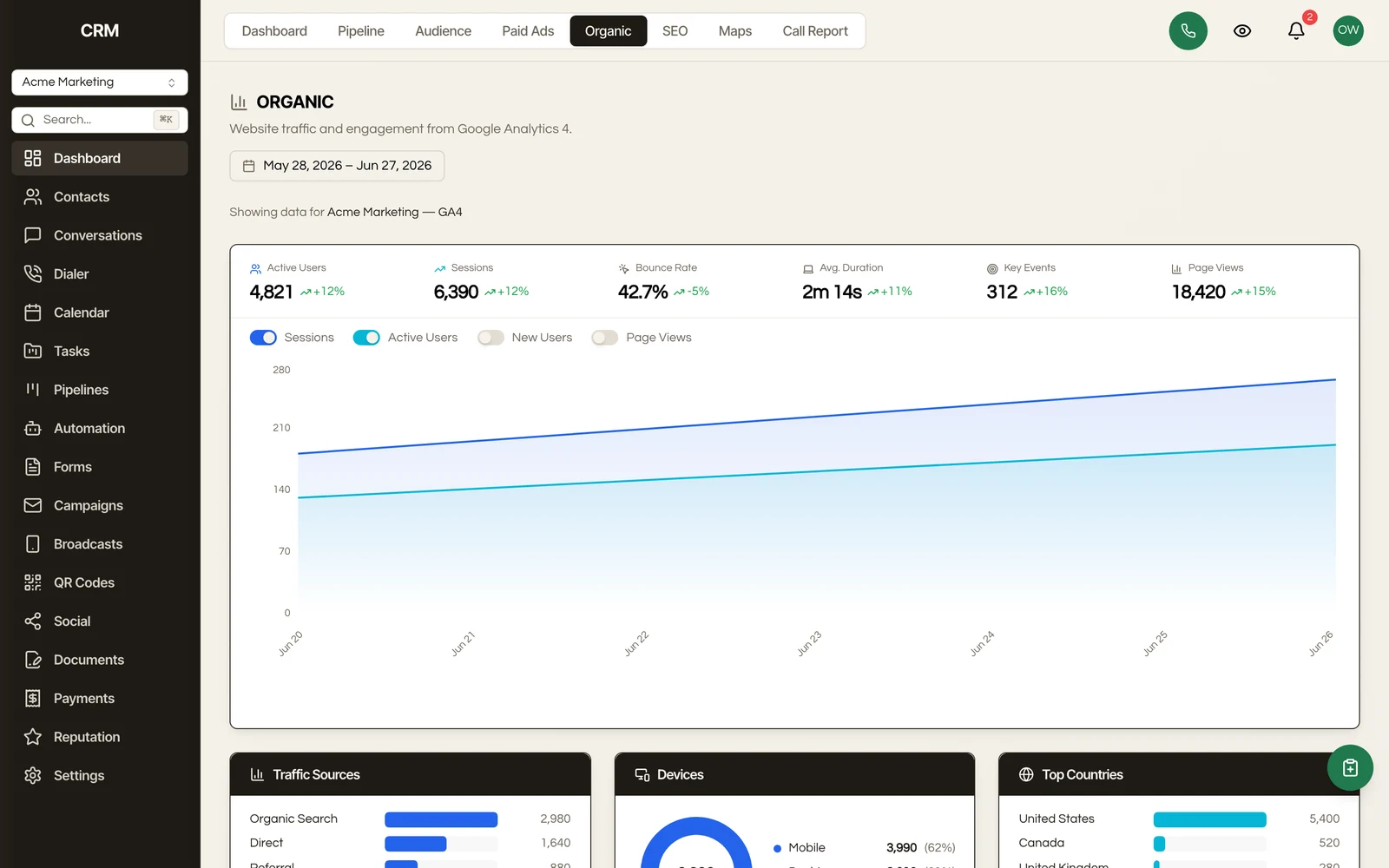
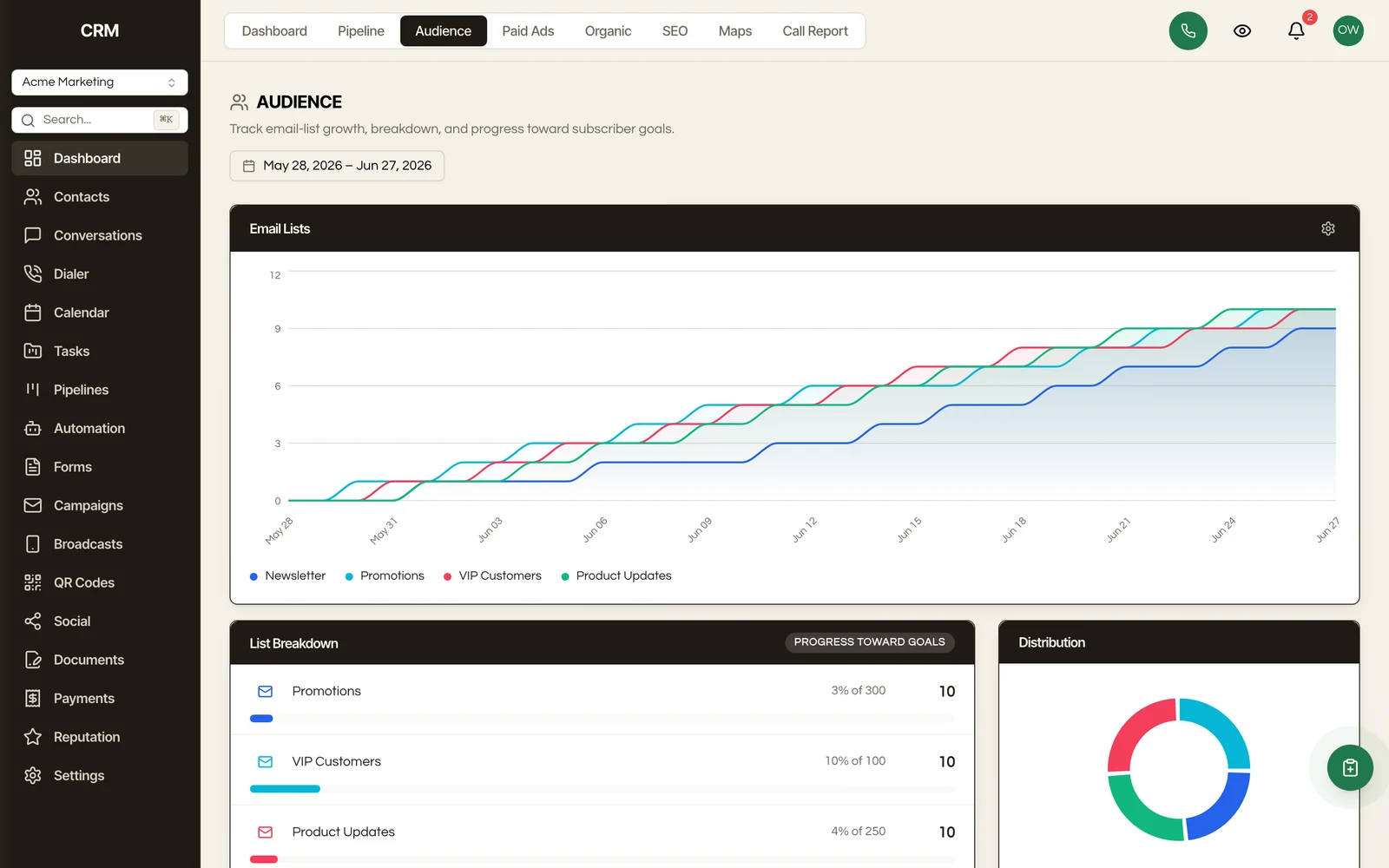
- KPI cards - Single-number metrics with trend indicators (up/down from previous period)
- Line charts - Trends over time
- Bar charts - Comparisons across categories
- Pie/donut charts - Proportional breakdowns
- Tables - Detailed ranked lists (top campaigns, team leaderboard)
- Funnels - Stage-by-stage conversion visualization
Exporting#
Export report data for use in external tools or presentations. Available exports include CSV downloads for contacts, pipeline data, and campaign recipients, plus PDF or CSV exports of the appointment, invoice, and pipeline reports.
Large Accounts#
Some lists (campaign history, workflow executions, step logs) read the most recent records rather than scanning your entire history on every load, which is what keeps them quick once an account has been running a while.
Two things follow from that, and both are visible rather than silent:
- These lists are ordered newest first, so the most recent activity is what you see.
- When a list has more history than it read, it says so instead of presenting a truncated view as if it were complete. Narrow the date range to reach further back with confidence.
The audit log is different: it pages properly and reaches your full history, so it can be walked end to end.
Summary#
| Dashboard | Key Metrics |
|---|---|
| Contacts | New contacts, sources, lifecycle stages, engagement scores, growth trend |
| Pipeline | Pipeline value, win rate, deal size, sales velocity, revenue, stage conversion |
| Campaigns | Delivery, opens, clicks, bounces, unsubscribes, top performers |
| Team | Conversations handled, response time, messages sent, deals managed, tasks completed |
| Filtering | Date range with comparison, assigned user, pipeline, source, tags |