The reason I love Seedly is ownership. You own the codebase instead of renting and watching the provider change things constantly.
Owns the codebase
Lead Capture
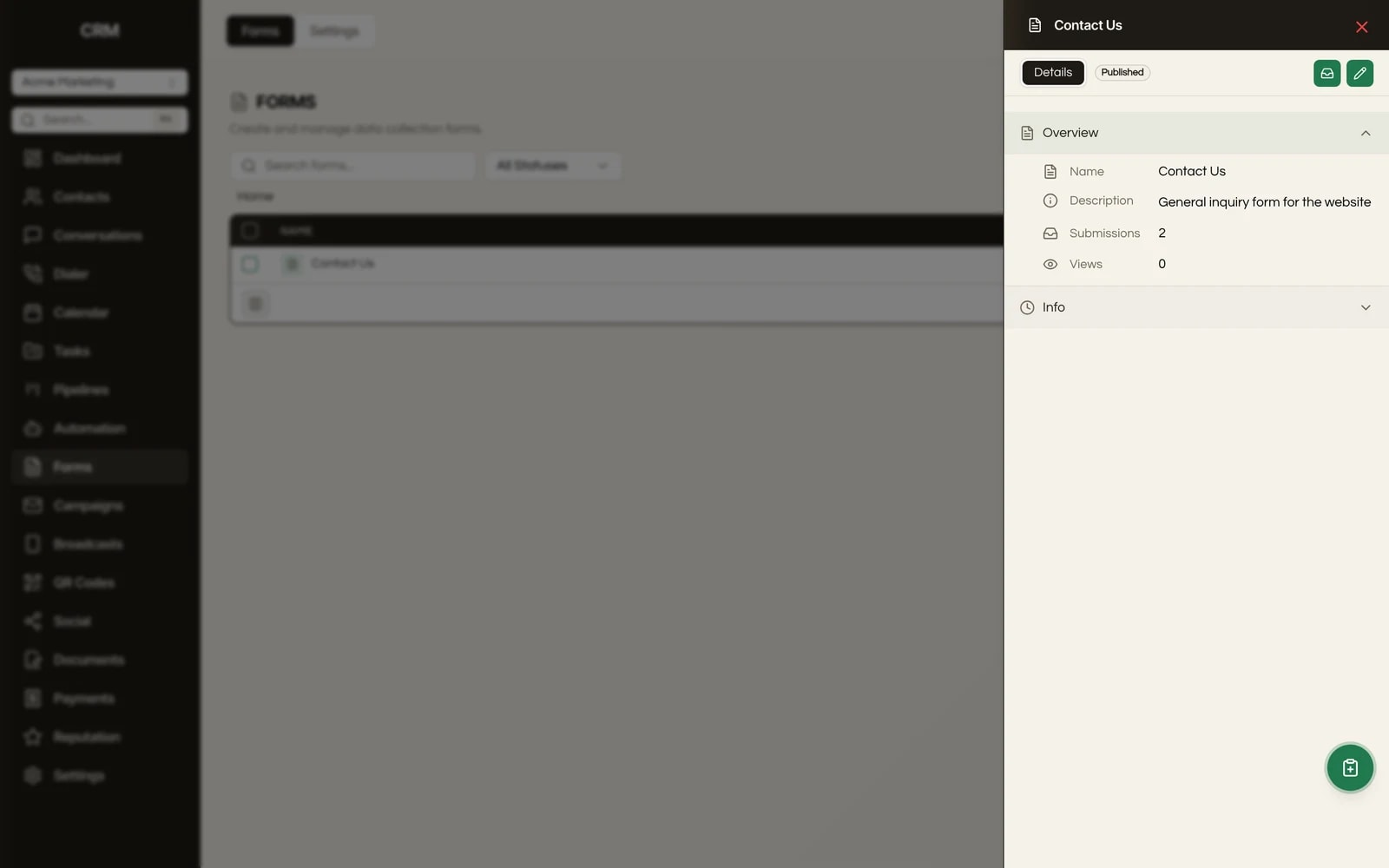
A drag-and-drop form builder and a booking widget that syncs with Google Calendar, enforces your real availability, and embeds on any site. Capture the lead and book the appointment in one system, for every client.
One payment. Full source code. Unlimited seats, every client, forever.

Don't take our word for it. Take theirs.
Early Seedly owners, in their own words. Every review verified on Trustpilot.
What It Does
Build forms by dragging fields into place, with a deep field palette: text, long text, number, date, dropdown, multi-select, radio, checkbox, rating, file upload, signature, a matrix grid, plus content blocks like heading, text, divider, image, and raw HTML. No code required, and because you own the code, no ceiling on what a field can do.
Connect Google Calendar or Outlook and the widget checks busy time before offering a slot, then writes the booking back to the calendar. Appointments made in Seedly show up on your calendar and vice versa, so you never get double-booked across tools.
Form fields bind to contact properties, so a submission creates or updates a contact record automatically, no Zap or middleware in between. You can also write values into custom contact and opportunity fields. The lead lands in the CRM already structured.
Show, hide, or require fields based on what someone has already answered, using real operators like equals, contains, is empty, and greater than. The form adapts to the respondent instead of dumping every field on everyone.
Turn on double opt-in per form and point it at a list. New subscribers get a confirmation email and only join the list after they confirm, which keeps your sending reputation clean and your lists honest. Most form builders treat this as a paid add-on or skip it entirely.
Define weekly hours, buffers before and after appointments, minimum notice, how far out people can book, time-slot interval, and caps per slot and per day. The public booking page only ever offers slots you can actually keep.
Personal for one team member, Round-Robin to distribute across the team, Collective when everyone must be free, and Class or Event for capacity-limited group bookings. Add Zoom or Google Meet links automatically, attach a custom intake form to the booking, and collect payment up front through Stripe where you need it.
Both forms and booking calendars publish to a public URL and embed on any external site via an iframe or a small script snippet. Forms additionally support inline, popup, slide-in, and sticky display modes. Your client's site stays their site; the form or booker just lives inside it.
Confirmation, reschedule, and cancellation messages over email and SMS, plus up to three configurable reminders, all with merge fields. Reschedule and cancel links let attendees manage their own appointments without emailing you.
How It Works
You drag fields onto a canvas, decide which ones map to a contact's name, email, phone, and so on, and add conditional logic so the form only asks what is relevant. The form lives at its own URL or embeds on any website.
When someone submits, Seedly creates or updates the contact automatically, can subscribe them to a list (with double opt-in if you want), and can fire a redirect, a webhook, a thank-you message, or a notification to your team. No middleware in between.
You set your real availability (weekly hours, buffers, notice, daily caps) and connect Google Calendar or Outlook so the system knows when you are genuinely free. Clients pick a slot on a public booking page, the appointment writes to your calendar, and confirmation and reminder messages go out automatically. You can require a deposit through Stripe, auto-generate a Zoom or Meet link, and attach an intake form to gather details before the call.
Because Seedly is multi-tenant, every form and every calendar lives inside a specific client sub-account. One client's forms, calendars, and bookings are completely separate from the next client's, and you run all of them from a single install.
The Rest Of The Garden
Every module ships in the same source code you own. Slide through the rest of the garden.
FAQ
Yes. You can connect Google Calendar (and Outlook) for two-way sync. The widget checks your busy time before offering a slot, and bookings made in Seedly write back to the connected calendar, so you do not get double-booked.
Yes. Both forms and booking calendars publish to a public URL and embed on any external site via an iframe or a small script snippet. Forms also support inline, popup, slide-in, and sticky display modes.
Yes. Form fields map to contact properties, so a submission creates or updates a contact record automatically, with no third-party connector. You can also write values into custom contact and opportunity fields.
Yes. You can enable double opt-in per form and point it at a list. New subscribers receive a confirmation email and only join the list after they confirm.
Yes. You control weekly hours, buffers before and after appointments, minimum notice, how far out people can book, slot interval, and caps per slot and per day. Automatic confirmation messages plus up to three reminders over email and SMS reduce no-shows, and attendees get self-serve reschedule and cancel links.
Yes. Forms and calendars are scoped to the sub-account, so each client has their own, fully separated from every other client. You manage all of them from one install.
Yes. Seedly is white-label per client at the install level, and the booking widget itself is themeable (colors, fonts, logo, and custom CSS), so the form or booker your clients embed carries their brand, not ours.
Seedly imports contacts and related records, and because you own the code you are never locked in. Forms and booking calendars are typically rebuilt in the builder rather than imported wholesale, since the underlying models differ.
You buy the source code once and self-host it. There are no per-seat, per-form, or per-calendar fees from us. Your only ongoing cost is your own hosting, and your own Stripe, Google, or Zoom accounts where you choose to connect them.

One-time payment. No subscriptions. No renewals.
Secure checkout via Stripe. Your license key is emailed instantly.