The reason I love Seedly is ownership. You own the codebase instead of renting and watching the provider change things constantly.
Owns the codebase
Communication
Place and answer calls right in the browser, with click-to-call, recordings, transcripts, and dispositions. Every call lands on the contact automatically and threads into the same inbox as your texts and emails.
One payment. Full source code. Unlimited seats, every client, forever.

Don't take our word for it. Take theirs.
Early Seedly owners, in their own words. Every review verified on Trustpilot.
What It Does
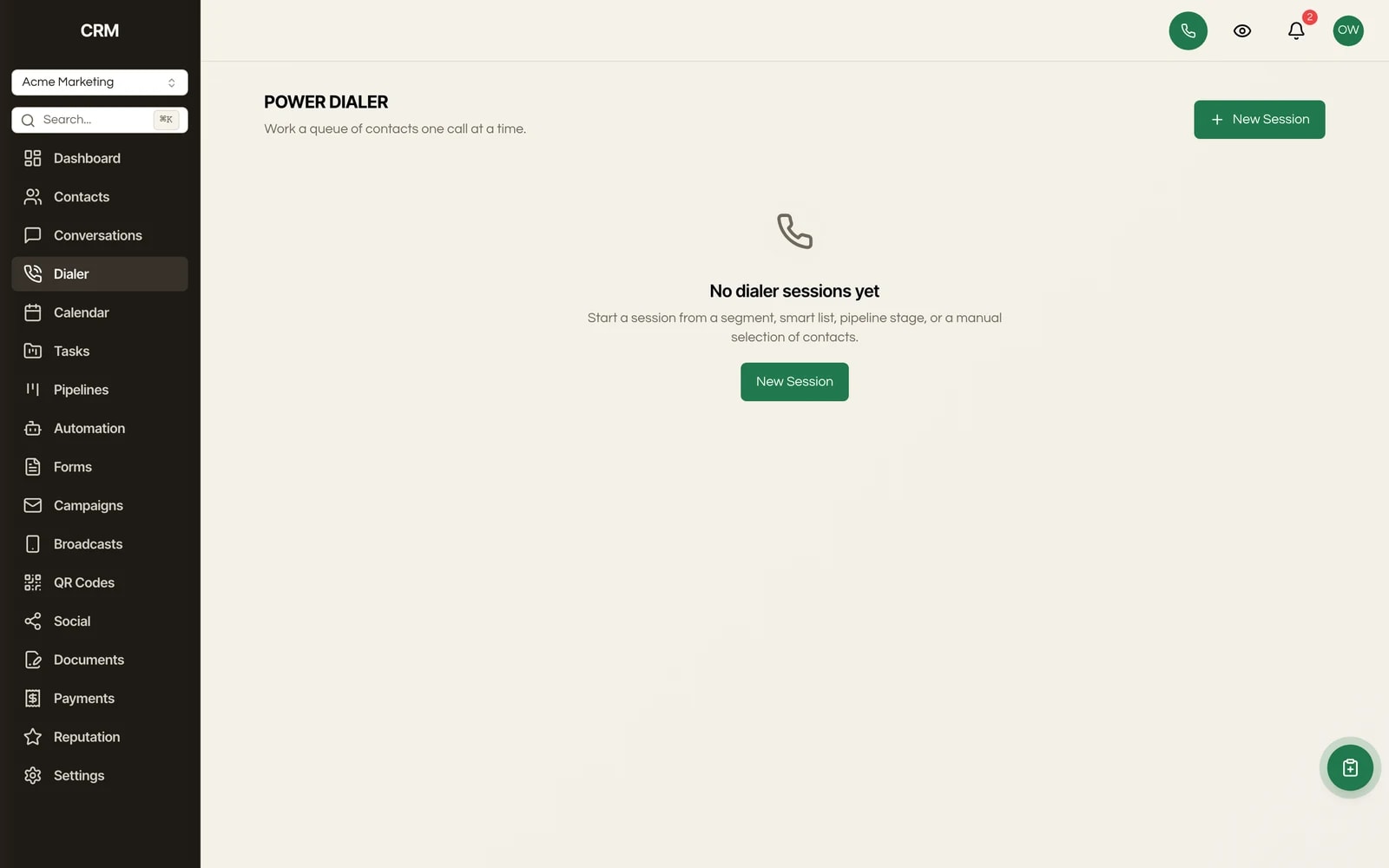
A dialer you can open from any screen in the app. Dial on the keypad, mute or hold the call, drop a pre-recorded voicemail when you hit an answering machine, and hang up and tag the result without leaving the page. No separate softphone to install or pay for.
From a contact record, click the phone number or the call button to start a call instantly. Seedly matches the call to that contact for you, so there is nothing to look up, copy, or paste. The call logs itself against the right person.
Calls can be recorded and played back later straight from the call log, and recorded calls come with a written transcript you can read instead of relistening. Useful for coaching, QA, and pulling the exact words out of a conversation that mattered.
Tag the outcome of every call (for example Interested, Left Voicemail, or Not a Fit) so your reporting reflects what actually happened on the line, not a guess. Dispositions roll straight into the Call Report breakdowns.
Calls to your connected numbers ring right in the app. Answer in one click, and the contact's details appear alongside the call, so you know who you are talking to before you say hello.
Every call shows up as a message in the Conversations inbox, threaded with that contact's texts, emails, and other channels. You get one complete history per person, with calls, messages, and notes in the order they happened, instead of jumping between tools.
Every call is logged automatically with the contact, direction (inbound or outbound), outcome, duration, and the team member who handled it. Open any contact for their full call history, or review every call across the account from the call log.
A dashboard performance view across all your calls for any date range: total calls, connected, connect rate, average duration, and total talk time. Break it down by calls over time, outcomes, dispositions, and a per-rep leaderboard of calls and talk time.
How It Works
The dialer is available from anywhere in the app. Dial on the keypad, or click a number on a contact record to start a call in one tap, matched to that contact automatically. Inbound calls to your connected numbers ring in the browser too, and you answer with a single click.
Mute, hold, or drop a pre-recorded voicemail when you reach an answering machine. The call can be recorded for later playback, and recorded calls get a written transcript. The contact's details sit right alongside the live call, so you are never guessing who is on the line.
Hang up and tag the disposition (Interested, Left Voicemail, Not a Fit, whatever your team uses) without leaving the screen. Add notes that stay on the contact's timeline. The call logs itself with direction, outcome, duration, and the rep who handled it.
Every call threads into the Conversations inbox next to that contact's texts and emails, and rolls into the Call Report. Pick any date range to see total calls, connect rate, talk time, outcomes, dispositions, and a rep leaderboard, so you can spot trends and coach from real data.
The Rest Of The Garden
Every module ships in the same source code you own. Slide through the rest of the garden.
FAQ
No. The phone is built into Seedly. The dialer is available from anywhere in the app, with a keypad, mute, hold, and voicemail drop, and you place and answer calls right in the browser. There is no separate softphone to install or license.
From any contact record, click the phone number or the call button and the call starts instantly. Seedly matches the call to that contact for you, so there is nothing to look up, copy, or paste, and the call logs itself against the right person.
Yes. Calls can be recorded and played back later from the call log, and recorded calls come with a written transcript you can read instead of listening again. It is useful for coaching, QA, and pulling exact quotes out of a conversation.
When you hang up, you tag the outcome of the call (for example Interested, Left Voicemail, or Not a Fit) without leaving the screen. Those disposition tags feed the Call Report breakdowns, so your reporting reflects what really happened rather than a guess.
Two places. Every call threads into the Conversations inbox as a message, alongside that contact's texts and emails, so you have one complete history per person. And every call is logged automatically with direction, outcome, duration, and the rep who handled it, visible on the contact or across the whole account in the call log.
A performance view across all your calls for any date range: total calls, connected calls, connect rate, average duration, and total talk time. It breaks down by calls over time, outcomes, dispositions, and a per-rep leaderboard of calls and talk time.
Not from us. Seedly is a one-time purchase you self-host, so there are no per-seat fees on the reps who dial. You connect your own voice provider and pay your provider directly for minutes, with no metered-minute markup layered on top by a vendor.
Yes. Every client runs in its own sub-account with its own numbers, calls, and call log, strictly isolated. One client can never see or touch another's call history, and you run all of them from a single install.

One-time payment. No subscriptions. No renewals.
Secure checkout via Stripe. Your license key is emailed instantly.