What is React?
Discover what React is, why it's the most popular UI library, and how it makes building interactive websites easier


Buzz presents
React helps you build websites that update all by themselves, no page reload needed!! alot of big apps use it too.React helps you build websites that update all by themselves, no page reload needed!! alot of big apps use it too.
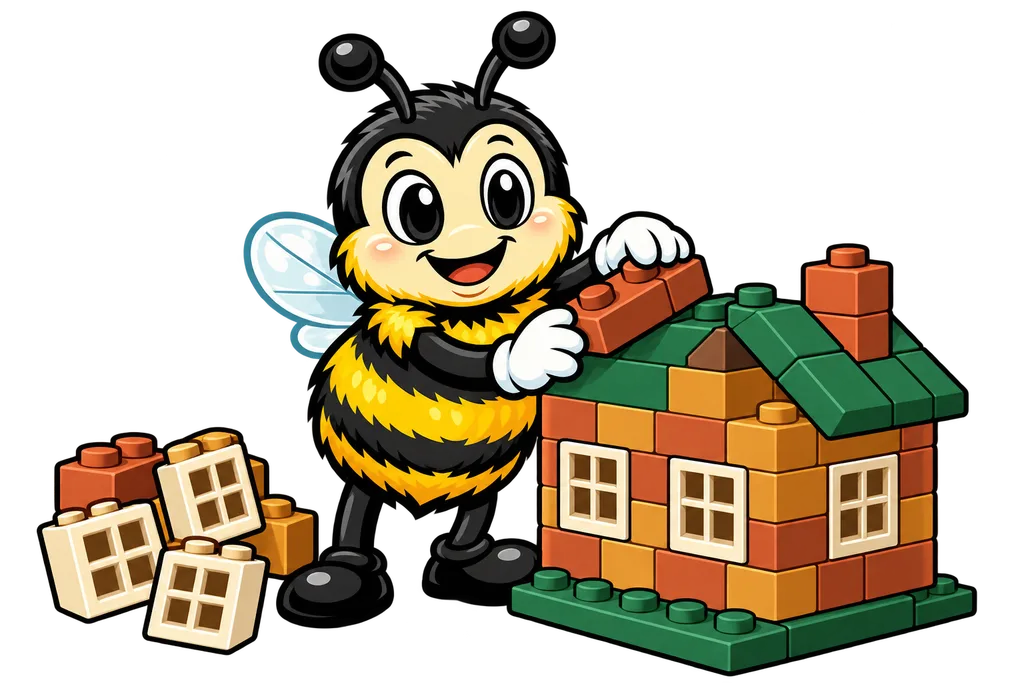
Picture building a house out of LEGO bricks. You don't sculpt every wall, window and door from scratch each time... you grab pre-made pieces and snap them together. The same window piece goes in every room. And if you want to change ALL the windows? You redesign one piece and you're done.
That's basically what React does for websites. You build your user interface (UI) out of reusable pieces called components, and React handles updating the page efficiently whenever something changes.
Why Does React Exist?#
Because before React, building interactive websites was a real pain. Think about a social media feed where new posts pop in, like counts tick up and comments expand, all without reloading the page. With plain JavaScript you'd be writing hundreds of lines just to keep the screen in sync with the data.
Step 1. The Problem#
As web apps got more complicated (think Facebook, Gmail, Twitter), updating the page by hand turned into a nightmare. Change one piece of data and you might have to update 10 different spots on screen. Miss one and your app is lying to the user.
Step 2. The Solution#
Meta (Facebook) created React in 2013 to fix exactly this. You describe what the page should look like, and React figures out how to update it efficiently. That's the deal.
What Makes React Special?#
There are three big ideas that make React different from writing plain HTML and JavaScript.
1. Component-Based#
Everything in React is a component, which is a self-contained piece of UI. A button is a component. So is a navigation bar, and so is a user profile card. You build your app by snapping those pieces together.
// A simple React component
function Welcome() {
  return <h1>Hello, learner!</h1>;
}
2. Declarative#
With React you describe what you want to see, and you skip the part where you explain how to update the page. It's like ordering at a restaurant. You say "I'd like a pizza" and you don't walk the cook through every step of making it (they'd kick you out of the kitchen anyway).
// You declare what the UI should look like
function Counter({ count }) {
  return <p>The count is: {count}</p>;
}
// React handles updating the actual page when count changes
3. The Virtual DOM#
React uses a clever trick called the Virtual DOM. Changing the real webpage every single time something updates would be slow, so React makes its changes to a lightweight copy first (that's the virtual DOM). Then it figures out the smallest set of changes it needs and applies ONLY those to the real page. That's a big part of why updates feel so fast.
Who Uses React?#
Short answer? A LOT of the apps already on your phone.
- Instagram - Its website runs on React
- Netflix - Uses React for its TV interface
- Airbnb - React powers their booking experience
- Discord - The chat app uses React
- Notion - Built with React for its flexible workspace
React is also the most in-demand front-end skill for developers, and learning it opens doors to thousands of job opportunities.
Here's a heads up from my side of the fence, though. Most of the AI-built sites I see are client-side rendered, which means the page gets built in the browser by JavaScript... and a lot of the time Google can't properly see what's on them. React is an amazing tool, but how a React site gets delivered matters too. Keep that in the back of your head for later.
React vs. Plain HTML/JavaScript#
Here's a quick side by side showing why React is worth your time.
| Feature | Plain HTML/JS | React |
|---|---|---|
| Updating the page | Manual DOM manipulation | Automatic with state |
| Reusing UI pieces | Copy-paste code | Import components |
| Keeping data in sync | Track everything yourself | React handles it |
| Building complex UIs | Gets messy fast | Stays organized |
Your First Look at React Code#
This is what a tiny React app looks like. Don't stress about understanding every detail yet. We'll cover all of it over the next few lessons.
import { useState } from 'react';

function LikeButton() {
  const [likes, setLikes] = useState(0);

  return (
    <button onClick={() => setLikes(likes + 1)}>
      {likes} Likes
    </button>
  );
}
That's a button that counts likes. Click it and the number goes up. In plain JavaScript you'd need a lot more code plus a bunch of manual DOM updates to pull off the same thing.
TL;DR#
- React is a JavaScript library for building user interfaces, and Meta created it
- It uses components (reusable UI pieces) to keep your code organized
- It's declarative, so you describe what you want and React handles the updates
- The Virtual DOM keeps React fast by keeping real page changes to a minimum
- Major companies use React, and it's the most popular UI library in the world
What's Next?#
Now you know what React is and why people care about it. Next up we dig into the actual building blocks, Components and JSX. You'll write your first React component and get comfy with the special syntax that makes React feel like writing HTML inside JavaScript...
This lesson ends with a short activity.