How the Internet Works
The basics of how data travels around the world


Pixl presents
The internet is basically the postal system with better speed and worse manners. Let's see how your data actually gets delivered.The internet is basically the postal system with better speed and worse manners. Let's see how your data actually gets delivered.
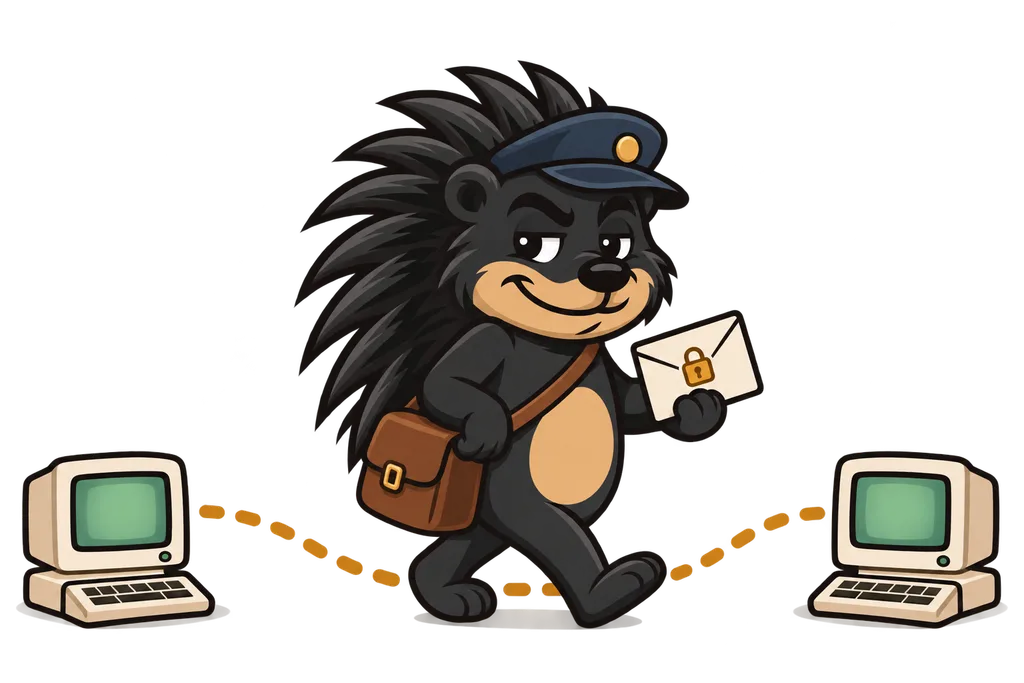
Every time you open a website, a whole lot happens behind the scenes in about the time it takes to blink. Sounds intimidating, I know. It's honestly easier than it looks, and we're gonna break it down using something you already get... sending mail.
The Internet is Like the Postal System#
Say you want to mail a letter to a friend. You need a few things to make that work.
- Your friend's address - so the mail carrier knows where to go
- A mail carrier - to actually deliver the letter
- Your friend - to get it and read it
The internet runs on the exact same idea.
- Web addresses (URLs) - like
www.google.com - The internet - carries your request to the right place
- Servers - computers that get your request and send back what you asked for
The Key Players#
Let's meet the main characters in this lil story.
Your Browser#
Your browser is the app you use to visit websites. Chrome, Safari, Firefox and Edge are all browsers. Think of your browser as the person writing and reading letters.
It has two main jobs.
- Sends requests to websites ("I want to see this page!")
- Shows you what comes back (the actual webpage)
Servers#
A server is a computer that's always on, always connected to the internet and always ready to answer requests. When you visit a website, you're really asking a server to send you that site's files.
Picture a server as a helpful librarian. You ask for a book (a webpage), they go find it, and they hand it over.
Requests and Responses#
So what does that back-and-forth between your browser and a server look like? It's pretty simple, actually.
Step 1. You Type a URL#
You type www.netflix.com into your browser and hit Enter.
Step 2. Browser Sends a Request#
Your browser fires a message across the internet that basically says "Hey Netflix server, can you send me your homepage?"
Step 3. Server Processes the Request#
Netflix's server gets your request and gathers up every file it needs to show you that homepage.
Step 4. Server Sends a Response#
The server ships back everything your browser needs, meaning the text, the images, the videos and the instructions for how to lay it all out.
Step 5. Browser Displays the Page#
Your browser takes that pile of files and turns it into the webpage you're looking at.
All of that usually takes less than a second. Wild.
How Does Data Actually Travel?#
Here's the part most people never think about. When you send a request, it doesn't travel in one big chunk. It gets chopped into tiny pieces called packets. Each packet makes its own way across the internet, and they all get put back together when they arrive.
Why bother? Because it's faster and more reliable. If one packet gets lost, only that one small piece has to be resent instead of the whole thing.
IP Addresses: The Real Addresses#
Web addresses like www.google.com are easy for humans to remember. Computers, though? They'd rather deal in numbers. Every device on the internet has a unique number called an IP address.
When you type www.google.com, your computer first looks up Google's IP address (something like 142.250.80.46) and then sends your request to that number.
It's kinda like knowing your buddy's place as "the blue house on Oak Street" while the post office only cares about the actual street address.
What Happens When Something Goes Wrong?#
Sometimes a website just won't load. Here's what the common errors are trying to tell you.
- "404 Not Found" - The page doesn't exist (like mailing a letter to a house that got torn down)
- "500 Server Error" - Something broke on the website's end (the librarian dropped ALL the books)
- "No Internet Connection" - Your device can't reach the internet (your mail carrier is on vacation)
Real-World Example: Ordering Food Online#

Let's follow what happens when you order a pizza online, because who doesn't love a pizza example.
- You visit the pizza website - Your browser sends a request to their server
- The homepage loads - Their server sends back pizza pics, menus and prices
- You click "Order Now" - Another request heads off to the server
- You fill out your info - Your browser sends your order details to the server
- The server confirms - It sends back an order confirmation and your browser shows it to you
Every click and every page load is just requests and responses flying back and forth... that's really all it is.
TL;DR#
- The internet is like a postal system for digital stuff
- Browsers send requests and servers send responses
- Every website lives on a server somewhere
- Data travels in small packets that get put back together
- Web addresses are human-friendly names for number-based IP addresses
What's Next?#
Now you know how the internet moves stuff around, so let's look at what happens on each end of the trip. Next lesson we'll get into frontend versus backend, the two sides of every web app...
This lesson ends with 2 short activities.