What is Docker?
Understanding containerization, how Docker differs from virtual machines, and why developers use it


Buzz presents
Docker packs youre app into a little container that runs the same everywhere, no more works on my machine stuff!Docker packs youre app into a little container that runs the same everywhere, no more works on my machine stuff!
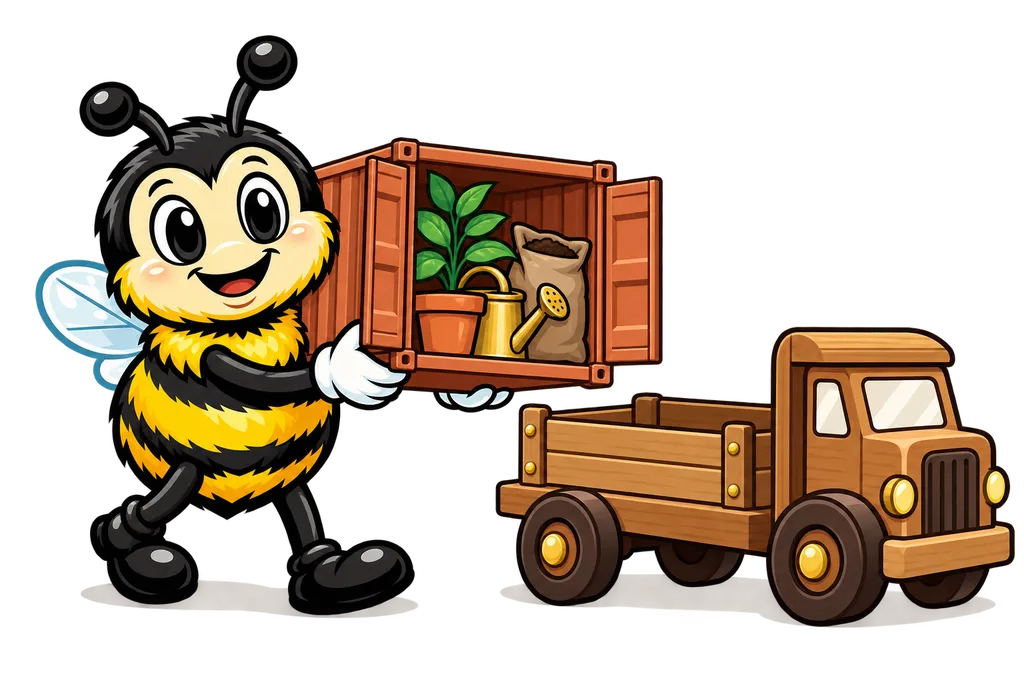
You just built a slick lil web app on your laptop. It works perfectly. You hand it to your teammate, they try to run it... and it crashes. "Well it works on MY machine!" you say. Sound familiar? That's the exact problem Docker solves.
Docker is a tool that packages your app along with everything it needs to run (the code, the runtime, the libraries and the system settings) into one neat, portable unit called a container. Once it's packaged, that container runs the same way on any machine. Your laptop, your teammate's computer, a cloud server, wherever.
The Shipping Container Analogy#
Think about real shipping containers for a second. Before they came along, loading cargo onto ships was chaos, because every item had its own shape and size and its own way of being handled. Shipping containers standardized all of it. Anything fits inside a standard box, and that box fits on any truck, train or ship.
Docker containers do the same thing for software. Your app goes into a standard container, and that container runs on any machine that has Docker installed.
The "Works on My Machine" Problem#
Without Docker, getting an app to run means matching the exact versions of a whole pile of stuff.
- The programming language runtime (Node.js 24 vs 22 vs 20)
- System libraries and dependencies
- Environment variables and configuration files
- Operating system specifics
When ANY of these are different between your machine and production, things break. Docker gets rid of that whole headache by bundling all of it together.
Containers vs Virtual Machines#
You might've heard of virtual machines (VMs). VMs and containers both keep apps isolated from each other, but they go about it very differently.
Virtual Machines.
- Run a complete operating system (Windows, Linux, etc.) inside your computer
- Each VM needs its own OS kernel, drivers and system files
- Heavy, usually gigabytes in size
- Slow to start, taking minutes to boot up
- Eat a lot of RAM and CPU
Docker Containers.
- Share the host machine's OS kernel
- Only include your app and its dependencies
- Lightweight, usually megabytes in size
- Fast to start, seconds instead of minutes
- Use very little in the way of resources
# A VM might use 2GB+ of disk space and 512MB+ of RAM
# A Docker container might use 50MB of disk space and 20MB of RAMThe Docker Ecosystem#

Docker is more than one single tool. Here are the main pieces you'll bump into.
- Docker Engine is the runtime that actually creates and runs containers on your machine
- Docker Desktop is a graphical app for Mac and Windows that makes Docker easy to use
- Docker Hub is a public registry (kinda like an app store) where you can find pre-built images for databases, programming languages, web servers and more
- Docker Compose is a tool for running apps made of several containers (like a web app and a database together)
Why Developers Love Docker#
So why is everybody so into it? Here's the short version.
- Consistency. Your app runs the same in development, testing and production
- Isolation. Each container stands on its own, so one app can't break another
- Speed. Containers start in seconds, which makes development faster
- Portability. Move containers between your laptop, a coworker's machine or a cloud server without drama
- Easy setup. New team members run one command instead of slogging through a 20-step setup guide
# Without Docker: 20 steps to set up a project
# Install Node.js, PostgreSQL, Redis, configure env vars...

# With Docker: 1 command
docker compose up
That one-command thing is a BIG deal to me. I'm the own-your-tools guy. I'd rather own the whole setup than rent it from some all-in-one platform that can change the rules on any random Monday (a hostage situation with a monthly invoice, basically). When your entire environment fits in a file you control, you actually own it.
When Would You Use Docker?#
Docker really shines in a few spots.
- Team projects. Everyone gets the same development environment instantly
- Microservices. Running a bunch of small services that work together
- CI/CD pipelines. Automated testing and deployment
- Learning and experimenting. Try out databases, languages or tools without installing them for good
TL;DR#
- Docker packages your app and all its dependencies into portable containers
- Containers kill the "works on my machine" problem by keeping things consistent everywhere
- Containers are WAY lighter and faster than virtual machines because they share the host OS kernel
- The Docker ecosystem includes Engine, Desktop, Hub and Compose
- Docker earns its keep on team projects, microservices, CI/CD and consistent dev environments
What's Next?#
Now you know what Docker is and why it matters. Next lesson digs into the two building blocks everything else sits on, images and containers. You'll see how an image works as a blueprint and how containers are the running copies made from it...
This lesson ends with a short activity.