Contributing to Open Source
Making your first open source contribution
Sprout presents
Open source runs on strangers improving shared code for free, which still astonishes me. Your first contribution can be a single typo fix.Open source runs on strangers improving shared code for free, which still astonishes me. Your first contribution can be a single typo fix.
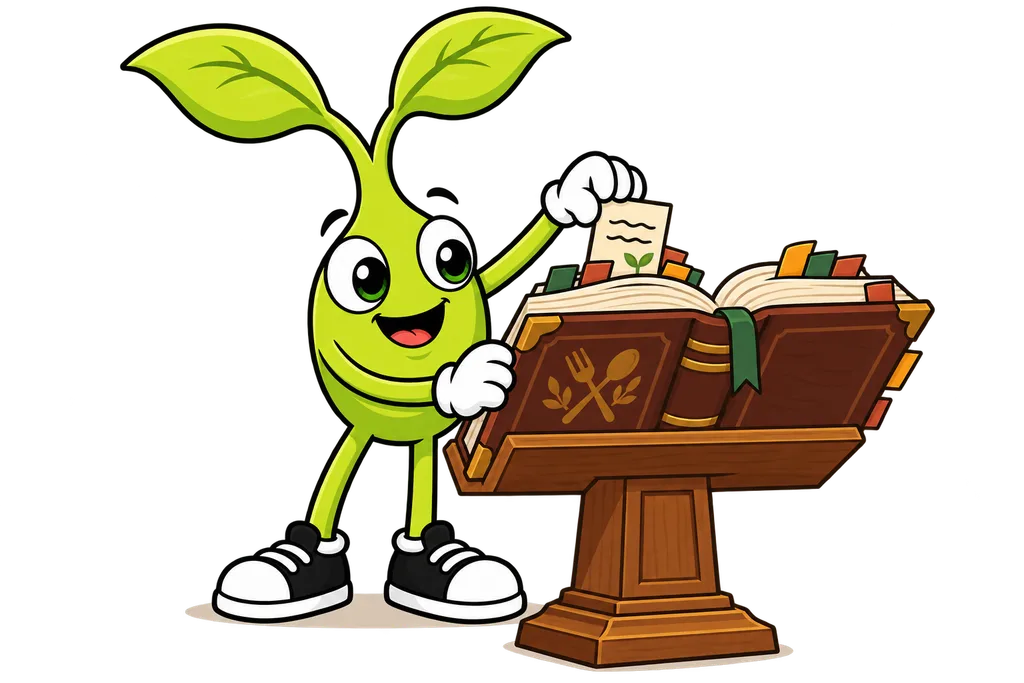
You know how to fork a project and send in changes. Cool. But how do you actually FIND a project to contribute to? And how do you make sure you're being a good neighbor once you're in there?
This lesson covers the whole trip, from finding your first project to landing your first contribution.
What is Open Source?#
Open source software is software anyone can see, use, change and share. The code is public. Think of it like a community cookbook where anybody can read the recipes and suggest improvements.
So why would anyone work on open source for free? Turns out there are plenty of reasons.
- Learning - It's a great way to level up your skills
- Reputation - Your contributions show up on your GitHub profile
- Community - You meet other developers and make friends
- Giving back - You use free software, so you help make it better
- Fun - Some people just enjoy coding and solving problems
I get the giving-back thing more than I expected to. When I put out my free A2P checker and shared it in two Facebook groups, it pulled 744 page views in 5 days. Nobody paid a dime for it, and it still felt like one of the better things I'd shipped (free stuff that actually helps people tends to travel).
Finding Your First Project#
Not every project is beginner-friendly. Here's how to find the ones that are.
Look for Good First Issue Labels#
Lots of projects tag issues that are good for newcomers. Keep an eye out for labels like these.
good first issuebeginner friendlyhelp wantedeasystarter
You can search for these right on GitHub. Pop this into GitHub's search.
is:issue is:open label:"good first issue" language:javascriptSwap javascript for whatever language you're learning.
Use Discovery Tools#
A handful of websites help you find beginner-friendly projects.
- GitHub Explore - github.com/explore
- First Timers Only - firsttimersonly.com
- Good First Issue - goodfirstissue.dev
- Up For Grabs - up-for-grabs.net
Step 1. Find a Project You Actually Use#
The best first contribution is usually to a tool you already use. Found a typo in the docs? That's a contribution. Wish an error message made more sense? That counts too.
Step 2. Check the Project Health#
Before you sink time into a project, make sure it's still alive.
- When was the last commit?
- Are pull requests getting reviewed?
- Are maintainers answering issues?
A project that's been quiet for months might never look at your contribution.
Step 3. Read the Contributing Guide#
Most projects have a CONTRIBUTING.md file. Read it! It tells you stuff like this.
- How to set up the project locally
- What the code style is
- How to run tests
- How to submit changes
Types of Contributions#
Contributing isn't only about code. There are a bunch of ways to help.
Documentation#
- Fix typos or grammar mistakes
- Add missing information
- Improve explanations
- Translate docs to other languages
Documentation fixes are usually the easiest place to start, and they're HUGELY valuable.
Code#
- Fix bugs
- Add small features
- Improve error messages
- Write tests
Community#
- Answer questions in discussions
- Help triage issues (confirm bugs, add info)
- Review other people's pull requests
- Write tutorials or blog posts
Making Your First Contribution#
Let's walk through the whole process of making a real contribution.
Step 1. Find an Issue#
Look for an issue labeled good first issue. Read it carefully and make sure you understand what needs doing.
If something's unclear, it's totally fine to ask questions in the issue comments.
Step 2. Claim the Issue#
Leave a comment like "Hi! I'd like to work on this. Is it still available?"
That lets the maintainers know you're interested and keeps two people from doing the same work.
Step 3. Set Up the Project#
Fork and clone the project. Follow the setup instructions in the README or CONTRIBUTING guide. Make sure you can run the project locally before you change anything.
Step 4. Create a Branch#
git checkout -b fix-issue-123Name your branch clearly. Putting the issue number in there helps a lot.
Step 5. Make Your Changes#
Do the work! Keep your changes focused on just this one issue. If you spot other things to fix, jot them down for a separate contribution.
Step 6. Test Your Changes#
Run the project's tests.
npm testOr whatever command the project uses. Make sure you didn't break anything.
Step 7. Write a Good Commit Message#
git add .
git commit -m "Fix login button not working on mobile (fixes #123)"
Mention the issue number so it gets linked automatically. Bonus, a word like "fixes" in front of it tells GitHub to close that issue once your PR gets merged into the main branch.
Step 8. Push and Create a Pull Request#
git push origin fix-issue-123Over on GitHub, open a pull request and write a clear description.
- What you changed
- Why you changed it
- How to test it
Step 9. Respond to Feedback#
Maintainers might ask for changes. That's normal, and honestly it's a good sign! They're helping you make your contribution better. Make the requested changes, push again, and the PR updates on its own.
Being a Good Community Member#
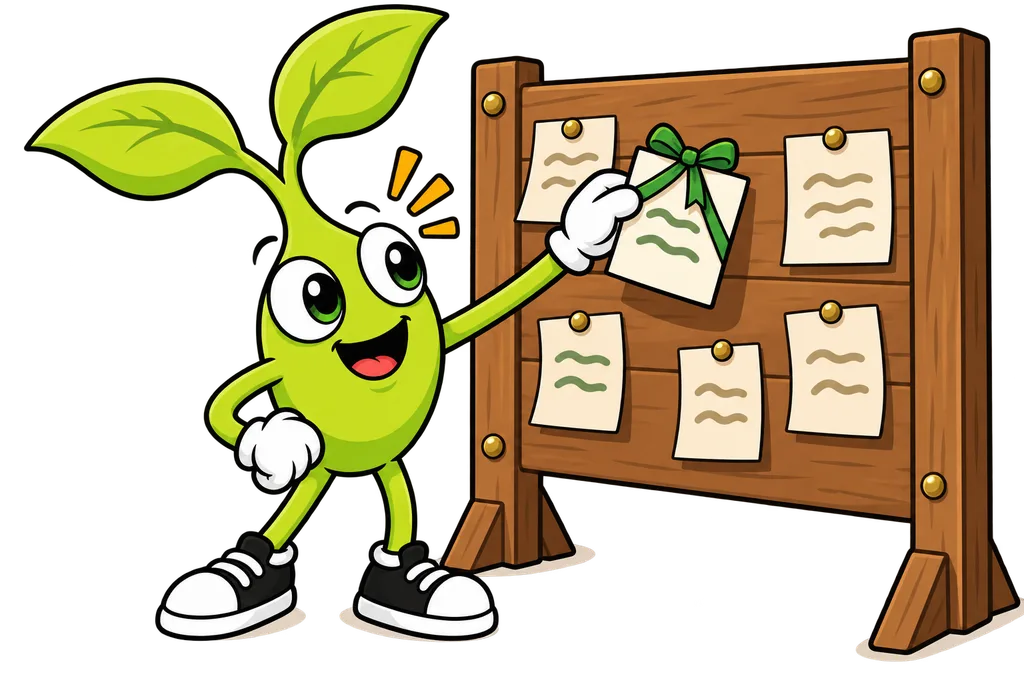
Open source communities have their own norms and expectations. Here's how to be a great person to have around.
Be Patient#
Maintainers are often volunteers with jobs and families. They might take days or weeks to get back to you. That's okay. Don't ping them over and over.
Be Respectful#
Always be kind and professional, because there's a real human on the other side of the screen. Never do any of these.
- Demand features or fixes
- Be rude about bugs or slow responses
- Argue aggressively about decisions
Be Helpful#
Once you've got a contribution or two under your belt, help other people out.
- Answer questions from newer contributors
- Review other people's pull requests
- Help improve documentation
Give Credit#
If someone helped you, mention them. If you used someone's idea, give them credit. The whole open source world runs on goodwill.
What to Expect After Your PR#
After you send in a pull request, a few different things can happen.
| Response | What it means |
|---|---|
| Approved and merged | Success! Your code is now part of the project. |
| Changes requested | The maintainer wants you to fix something. Normal and good! |
| Discussion | They have questions or want to talk about the approach. |
| No response | They might be busy. Wait a week or two, then politely ask. |
| Closed | They decided not to include it. Don't take it personally. |
Your Open Source Journey#
Start small. Your first contribution might be fixing one typo, and that's perfect. Every contribution teaches you something.
- How a new codebase works
- How to use Git in a team setting
- How to communicate with other developers
- How to write code that others can understand
Over time you'll take on bigger stuff. Maybe you'll turn into a regular contributor on a project, and some people even end up as maintainers themselves.
TL;DR#
- Open source software is free for anyone to use and contribute to
- Look for
good first issuelabels to find beginner-friendly tasks - Documentation fixes are valuable and great for beginners
- Always read the CONTRIBUTING guide before you start
- Be patient, respectful and helpful when you talk to people
- Start small and build up to bigger contributions over time
- Every contribution matters, no matter how small
What's Next?#
Working on projects, whether they're yours or open source, usually means long sessions spread over a few days. In our final lesson we'll get into session management, which is how you keep track of your work and pick up right where you left off...
This lesson ends with 2 short activities.