What is Code?
Understanding how computers follow instructions


Sprout presents
Code is just text, which delighted me far more than it should have. Three steps turn your instructions into action. I counted twice.Code is just text, which delighted me far more than it should have. Three steps turn your instructions into action. I counted twice.
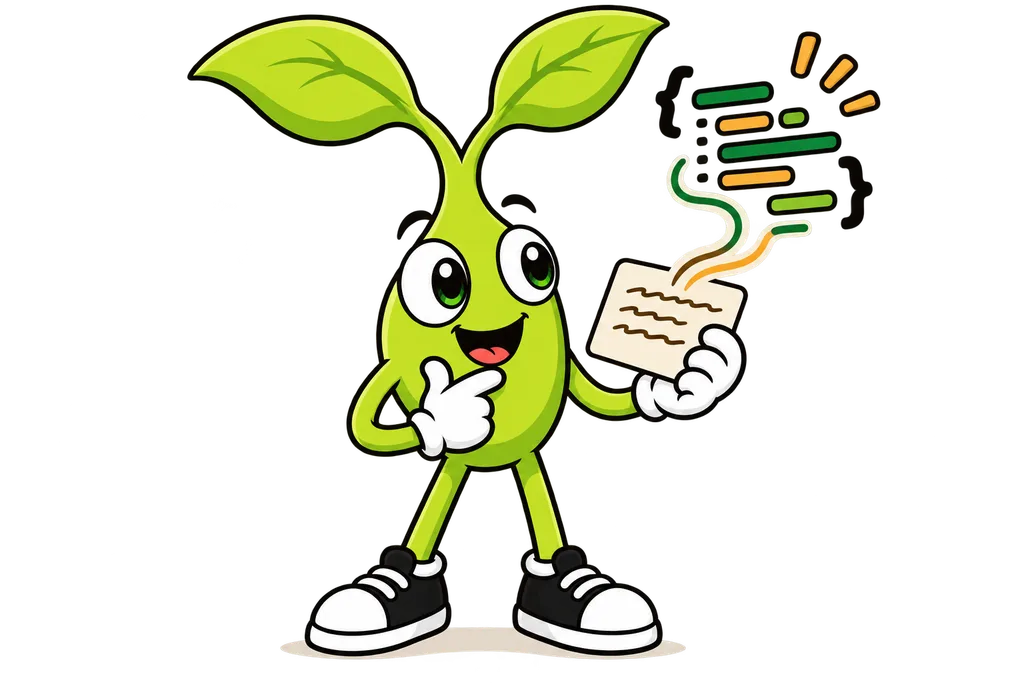
Code is a set of instructions that tells a computer what to do. That's the whole scary thing. Think of it like a recipe... a recipe tells you how to bake a cake, and code tells a computer how to do a task.
Why Learn About Code?#
Even if you never write any yourself, knowing what code is helps you out.
- Talk to developers without just nodding along
- Make smarter decisions about the tech you use
- Understand how the apps and websites you use actually work
For the record, I'm not a developer either. I came up through SEO and local marketing, picked up Claude Code having never used it, and shipped 17 projects in under a month.
Code is Just Text#
Here's the thing... code is just TEXT, written in a specific format that computers can understand. Here's a simple example.
console.log("Hello, World!");That single line tells the computer to show the message "Hello, World!" on the screen.
Programming Languages#
Humans have different languages (English, Spanish, Japanese), and computers have programming languages. You'll hear these a lot.
- JavaScript - Powers websites and web apps
- Python - Great for data science and automation
- TypeScript - JavaScript with some extra safety features baked in
- SQL - What you use to work with databases
How Code Becomes Action#
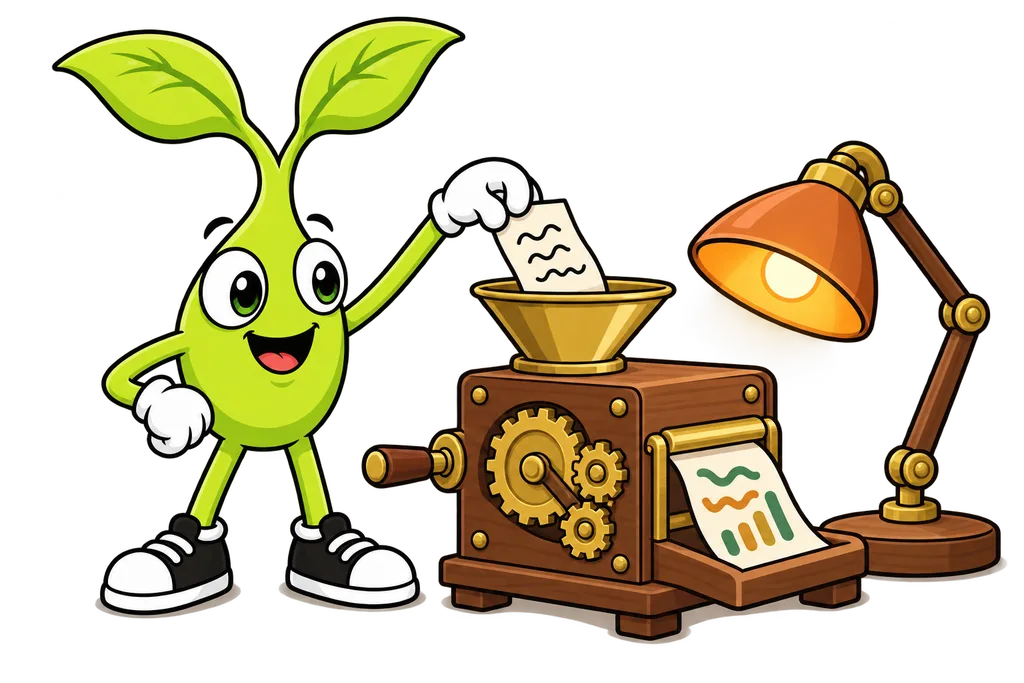
So how does code actually do anything? It goes through a lil process.
Step 1. Write the Code#
You (or more likely Claude Code) write the instructions in a programming language.
Step 2. Computer Reads It#
The computer reads your code and translates it into something it can run.
Step 3. Action Happens#
The computer follows your instructions, like showing text, saving data, or whatever else you asked it to do.
Real World Example#
When you visit a website like Google, here's what's happening behind the curtain.
- Your browser asks for the website
- Google's servers run code to find your search results
- More code turns those results into a webpage
- Your browser runs code to display it nicely
All of that happens in milliseconds, with millions of lines of code working together (kinda wild when you think about it).
TL;DR#
- Code is just instructions for computers, written as text
- There are lots of programming languages, each good at different things
- You don't need to write code yourself - AI tools like Claude Code can do it for you
- Knowing the basics makes you better at working with those tools
What's Next?#
Next lesson we're gonna look at how the internet works, the foundation that makes web apps possible...
This lesson ends with a short activity.