Hooks & Automation
Automate workflows before and after Claude actions


Sprout presents
Hooks run your own commands before and after Claude acts. I have configured more of these than I will admit in public.Hooks run your own commands before and after Claude acts. I have configured more of these than I will admit in public.
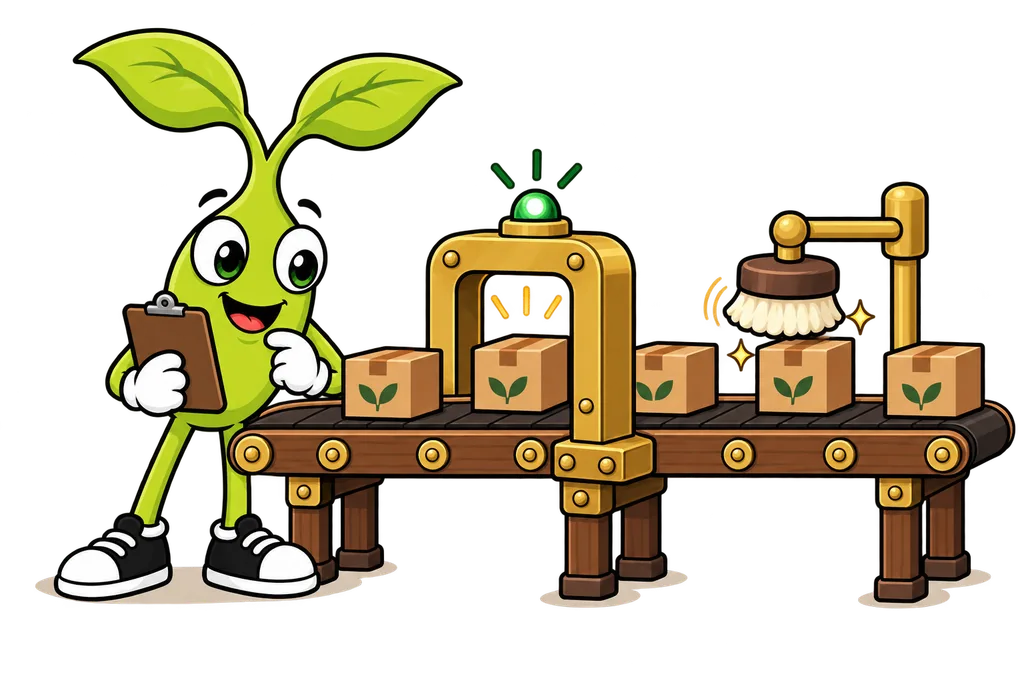
Hooks let you run your own code right before or right after Claude Code does something. Think of them as your automation layer. They can format code after edits, block dangerous commands, send notifications and enforce team rules, all without you lifting a finger.
Hook System Overview#
Hooks are shell commands you set up in your settings, and they run at specific moments in Claude's workflow. The two you'll use most fire around the tools Claude uses.
You prompt → Claude decides to use a tool → PreToolUse hook runs
→ Tool executes → PostToolUse hook runs → Claude continues
Here's what hooks can do.
- Block an action (a PreToolUse hook exits with code 2 or returns a "deny" decision)
- Modify tool input (a PreToolUse hook can return an
updatedInputobject) - React to results (PostToolUse kicks off side effects)
- Log actions for an audit trail
Event Lifecycle#
There are a bunch of hook events (SessionStart, UserPromptSubmit, Stop, Notification and more), but two of them do most of the heavy lifting.
PreToolUse#
Runs before a tool does its thing. It can block the action or change it.
Use cases
- Stop writes to protected files (configs, migrations)
- Block dangerous Bash commands (rm -rf, git push --force)
- Check inputs before anything runs
- Log what Claude is about to do
PostToolUse#
Runs after a tool finishes. It can't undo the tool call (that already happened), but it can kick off follow-up actions and send feedback to Claude.
Use cases
- Auto-format code after file edits (prettier, eslint --fix)
- Run the linter after builds
- Send notifications when something finishes
- Update outside systems
If you just want a ping when Claude is done talking, the Stop event fires when Claude finishes responding. That one's great for "hey, come back to your desk" notifications.
Configuration in settings.json#
You set hooks up in .claude/settings.json (shared with your team), .claude/settings.local.json (just you, this project) or ~/.claude/settings.json (just you, every project). Each event holds a list of matchers, and each matcher holds a list of hooks to run.
{
  "hooks": {
    "PreToolUse": [
      {
        "matcher": "Edit|Write",
        "hooks": [
          {
            "type": "command",
            "command": "node \"$CLAUDE_PROJECT_DIR\"/.claude/hooks/protect-files.js"
          }
        ]
      },
      {
        "matcher": "Bash",
        "hooks": [
          {
            "type": "command",
            "command": "node \"$CLAUDE_PROJECT_DIR\"/.claude/hooks/block-dangerous.js"
          }
        ]
      }
    ],
    "PostToolUse": [
      {
        "matcher": "Edit|Write",
        "hooks": [
          {
            "type": "command",
            "command": "node \"$CLAUDE_PROJECT_DIR\"/.claude/hooks/auto-format.js"
          }
        ]
      },
      {
        "matcher": "Bash",
        "hooks": [
          {
            "type": "command",
            "command": "node \"$CLAUDE_PROJECT_DIR\"/.claude/hooks/notify-slack.js"
          }
        ]
      }
    ]
  }
}
The matcher field says which tool sets off the hook. "Edit|Write" matches either tool, and "*" (or leaving the matcher out) matches every tool. $CLAUDE_PROJECT_DIR is an environment variable Claude Code sets to your project root, so the script path works no matter which folder Claude is sitting in.
Hook Input/Output Protocol#
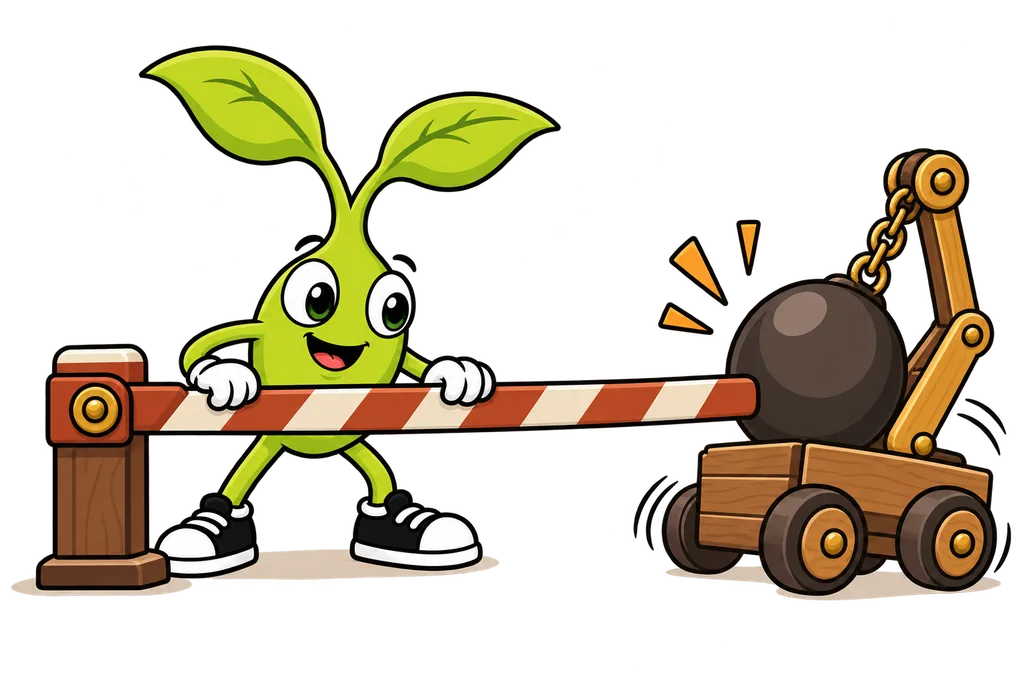
Hooks get JSON through stdin. They talk back with their exit code, plus optional JSON on stdout.
PreToolUse Input#
{
  "session_id": "abc123",
  "transcript_path": "/home/you/.claude/projects/.../transcript.jsonl",
  "cwd": "/home/you/my-project",
  "hook_event_name": "PreToolUse",
  "tool_name": "Write",
  "tool_input": {
    "file_path": "/home/you/my-project/src/config/database.ts",
    "content": "..."
  }
}
The tool's arguments live in tool_input. For Write that's file_path and content. For Edit it's file_path, old_string and new_string. For Bash it's command.
Exit Codes#
- Exit 0 means all good. Claude Code also reads any JSON you printed to stdout.
- Exit 2 is a blocking error. On PreToolUse it blocks the tool call, and whatever you wrote to stderr gets shown to Claude so it knows why.
- Any other exit code is a non-blocking error. The action keeps going.
PreToolUse Output (to block with JSON)#
Exit code 2 is the simple way to block. If you want more control, exit 0 and print this instead.
{
  "hookSpecificOutput": {
    "hookEventName": "PreToolUse",
    "permissionDecision": "deny",
    "permissionDecisionReason": "Cannot modify protected config files. Use a migration instead."
  }
}
permissionDecision can be "allow", "deny" or "ask". You can also include an updatedInput object in there to change the tool's arguments before it runs (it replaces the whole set of arguments, so include the fields you didn't change too).
PostToolUse Input#
{
  "session_id": "abc123",
  "cwd": "/home/you/my-project",
  "hook_event_name": "PostToolUse",
  "tool_name": "Write",
  "tool_input": {
    "file_path": "/home/you/my-project/src/utils/format.ts",
    "content": "..."
  },
  "tool_response": {
    "filePath": "/home/you/my-project/src/utils/format.ts",
    "type": "create"
  }
}
Same idea as PreToolUse, plus a tool_response with whatever the tool sent back. The exact shape of tool_response depends on the tool, so log one before you write code that leans on it.
Real-World Hook Examples#
Every one of these reads stdin the same way, so you can copy the top part between scripts. They use require, so if your package.json has "type": "module" in it (Vite projects do), name the files .cjs instead of .js and update the paths in your settings to match.
Auto-Format After Edits#
// .claude/hooks/auto-format.js
const { execFileSync } = require('child_process');

let input = '';
process.stdin.on('data', chunk => input += chunk);
process.stdin.on('end', () => {
  const data = JSON.parse(input);
  const filePath = data.tool_input?.file_path;

  if (filePath && /\.(ts|tsx|js|jsx)$/.test(filePath)) {
    try {
      execFileSync('npx', ['prettier', '--write', filePath], { stdio: 'ignore' });
    } catch {
      // Fail open. A formatter hiccup shouldn't stop Claude.
    }
  }
});
Protect Configuration Files#
// .claude/hooks/protect-files.js
const PROTECTED = [
  'prisma/schema.prisma',
  '.env',
  '.env.local',
  'package-lock.json',
];

let input = '';
process.stdin.on('data', chunk => input += chunk);
process.stdin.on('end', () => {
  const data = JSON.parse(input);
  const filePath = data.tool_input?.file_path ?? '';

  if (PROTECTED.some(p => filePath.endsWith(p))) {
    // Exit code 2 blocks the tool call, and stderr goes to Claude
    console.error(`Protected file: ${filePath}. Modify manually or use a migration.`);
    process.exit(2);
  }
});
Block Dangerous Commands#
// .claude/hooks/block-dangerous.js
const BLOCKED_PATTERNS = [
  /rm\s+-rf\s+\//,
  /git\s+push\s+--force/,
  /DROP\s+TABLE/i,
  /git\s+reset\s+--hard/,
];

let input = '';
process.stdin.on('data', chunk => input += chunk);
process.stdin.on('end', () => {
  const data = JSON.parse(input);
  const command = data.tool_input?.command ?? '';

  const match = BLOCKED_PATTERNS.find(p => p.test(command));
  if (match) {
    console.log(JSON.stringify({
      hookSpecificOutput: {
        hookEventName: 'PreToolUse',
        permissionDecision: 'deny',
        permissionDecisionReason: `Blocked dangerous command: ${command}`
      }
    }));
  }
});
That one uses the JSON route instead of exit code 2, just so you've seen both. Either works.
Notification Hook#
// .claude/hooks/notify-slack.js
let input = '';
process.stdin.on('data', chunk => input += chunk);
process.stdin.on('end', async () => {
  const data = JSON.parse(input);

  // Only notify when Claude ran a build
  if (data.tool_name === 'Bash' && data.tool_input?.command?.includes('npm run build')) {
    // Webhook URL comes from your own environment, not from Claude Code
    const webhookUrl = process.env.SLACK_WEBHOOK_URL;
    if (webhookUrl) {
      await fetch(webhookUrl, {
        method: 'POST',
        headers: { 'Content-Type': 'application/json' },
        body: JSON.stringify({ text: `Claude ran: ${data.tool_input.command}` })
      });
    }
  }
});
Quick word on why I love notification hooks so much. I once had a client lose 49 form-fill notifications because a Microsoft update quietly ate them. Every one said "delivered," and NOTHING hit the inbox. "Delivered" doesn't mean somebody saw it... so if a result matters, have something actively tell you about it.
Hook Best Practices#
- Be specific with the
matcher, so you're not running on every tool for no reason - Fail open so a crashed hook doesn't block Claude entirely (only exit code 2 blocks, so a random crash won't)
- Log sparingly because chatty hook output piles up in your context
- Test locally by piping sample JSON into your script by hand before you wire it up
- Version control your hook scripts by committing them in
.claude/hooks/
# Test a hook by hand
echo '{"tool_name":"Bash","tool_input":{"command":"rm -rf /"}}' | node .claude/hooks/block-dangerous.jsTL;DR#
- Hooks run your own code before (PreToolUse) and after (PostToolUse) Claude's actions
- PreToolUse can block or change actions, and PostToolUse kicks off side effects
- Hooks get JSON input through stdin and answer with an exit code (2 blocks) or JSON on stdout
- Common uses are auto-formatting, protecting files, blocking commands and notifications
- Keep hooks fast and specific, since they run on every matching tool call
- Keep your hook scripts in
.claude/hooks/and commit them to git
This lesson ends with a short activity.