What is a Database?
Understanding databases, why they matter, and the different types available


Pixl presents
Storing your app's data in a pile of text files? Adorable. Databases keep it organized in tables you can actually search.Storing your app's data in a pile of text files? Adorable. Databases keep it organized in tables you can actually search.
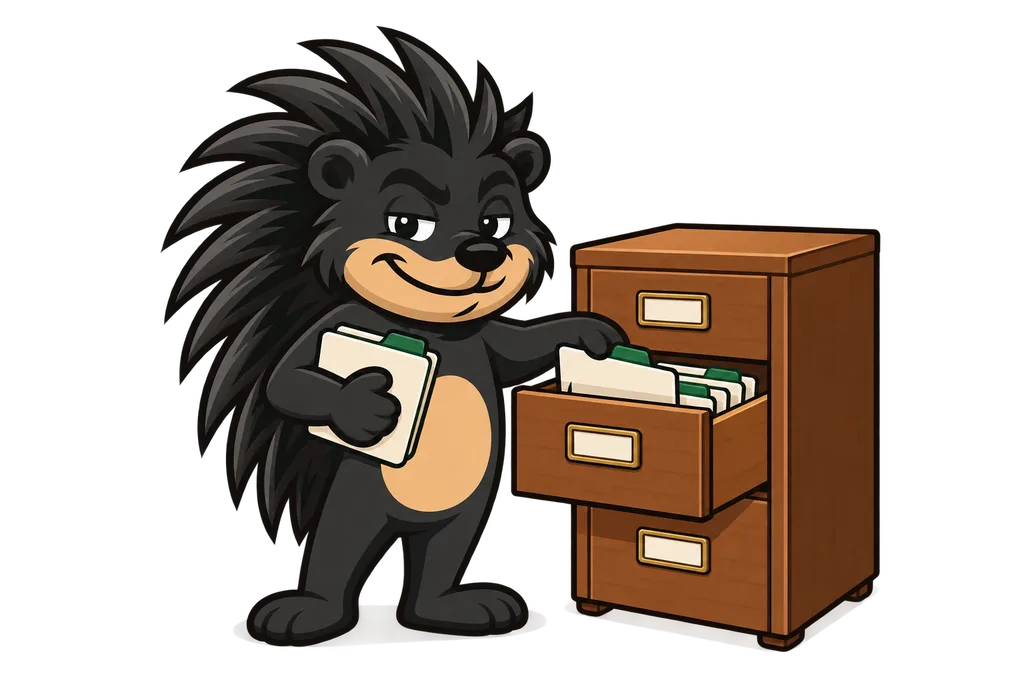
Say you're running an online store. You've got customers, products, orders and reviews piling up. Where does all of that actually live? You need somewhere reliable to keep it, find it fast and keep it safe... and that's exactly the job a database does.
A database is an organized collection of data that's easy to get to, manage and update. Think of it as a super-powered filing cabinet that never loses anything and can pull up any piece of info in milliseconds.
Quick confession before we go further. I'm not a developer. I'm an operator who came up through SEO and local marketing, so if this stuff feels foreign right now, you're in good company.
Why Not Just Use Files?#
You might be thinking "can't I just save everything in a text file or a JSON file?" For a tiny project, sure. Once things get real though, files start falling apart in some pretty specific ways.
- No concurrent access. If two users try to update the same file at the same time, the data gets corrupted.
- Slow searching. Finding one record out of millions means reading the ENTIRE file.
- No relationships. Connecting related data (like a user's orders) is clunky and easy to mess up.
- No data integrity. Nothing stops bad data from getting saved, like an email without an @ symbol.
- No security. It's hard to control who can see or change specific pieces of data.
Relational Databases: Tables, Rows, and Columns#
The most popular kind of database is a relational database. It stores data in tables that look a whole lot like spreadsheets.
-- A "users" table might look like this:
-- id | name    | email              | age
-- ---+---------+--------------------+----
--  1 | Alice   | [email protected]  | 28
--  2 | Bob     | [email protected]    | 34
--  3 | Charlie | [email protected]| 22
Here's the lingo you'll keep running into.
- Table. A collection of related data, like "users" or "products."
- Row (or Record). A single entry in the table, so one user.
- Column (or Field). One specific piece of info, like name, email or age.
- Schema. The blueprint that says which columns a table has and what type of data each one holds.
Popular Relational Databases#
| Database | Best For | Notes |
|---|---|---|
| PostgreSQL | Production apps, complex queries | Most popular for web apps. Free and open source. |
| MySQL | Simple web apps, WordPress | Very common, easy to start with. |
| SQLite | Mobile apps, prototypes | Stores everything in a single file. No server needed. |
NoSQL Databases: A Different Approach#
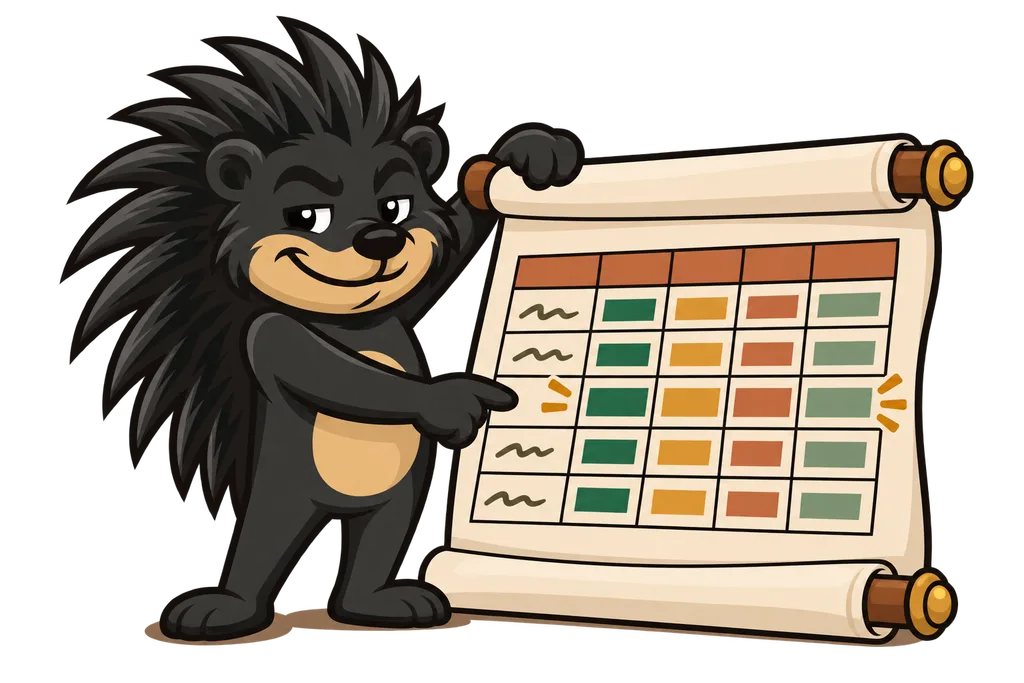
Not all data fits nicely into tables. NoSQL databases give you some more flexible options.
- Document databases (MongoDB). Store data as JSON-like documents. Great when your data doesn't always have the same shape.
- Key-value stores (Redis). Simple pairs, kinda like a dictionary. Blazingly fast for caching.
- Graph databases (Neo4j). Perfect for data with complicated relationships, like social networks.
How Databases Connect to Your App#
Your app talks to the database through a connection. Here's how a single request flows through it.
Step 1. User takes action#
Somebody clicks "Sign Up" on your website.
Step 2. App sends a query#
Your app sends a SQL command to the database that basically says "insert this new user."
Step 3. Database processes it#
The database checks the data, stores it and confirms it worked.
Step 4. App responds#
Your app tells the user "Account created successfully!" (and they never see any of the plumbing behind it).
TL;DR#
- A database is an organized system for storing, finding and managing data
- Databases beat files for real apps because they're faster, safer and handle lots of users at once
- Relational databases (PostgreSQL, MySQL) organize data into tables with rows and columns
- NoSQL databases (MongoDB, Redis) are flexible alternatives for specific use cases
- PostgreSQL is the recommended starting point for most web apps
What's Next?#
Now that you know what a database is and why it matters, it's time to learn the language you use to talk to one. That language is SQL, and in the next lesson you'll write your very first queries to pull data out of a database...
This lesson ends with a short activity.