What is Git?
Understanding version control basics


Sprout presents
Git is version control, which is a formal way of saying save points for your code. I keep an unreasonable number of them.Git is version control, which is a formal way of saying save points for your code. I keep an unreasonable number of them.

Picture yourself writing a story. You finish chapter one, and then you get the itch to try a different ending. What do you do? You probably save a copy before you start messing with it, so if the new ending flops you can crawl back to the original.
Git does that exact thing for code. It's a tool that saves snapshots of your work, so you can always go back when something breaks (and something WILL break).
Version Control: Like Checkpoints in a Video Game#
Ever played a video game that lets you save your progress? You save right before the boss fight, and if you lose, you start over from that checkpoint instead of from the very beginning.
Git works the same way. Every time you save a checkpoint (called a "commit"), Git remembers exactly what your project looked like at that moment.
Why Do We Need Version Control?#
Without version control, things get messy FAST. Here's what life looks like without Git.
The old way
my-project.txtmy-project-final.txtmy-project-final-v2.txtmy-project-REALLY-final.txtmy-project-FINAL-FINAL-USE-THIS-ONE.txt
Sound familiar? Yeah, we've all been there.
With Git
- You have one file,
my-project.txt - Git keeps track of every version behind the scenes
- You can see the history of every change ever made
- You can jump back to any earlier version instantly
What Git Actually Does#
Step 1. Tracks Changes#
Git keeps an eye on your project folder. When you tell it to, it takes a snapshot of every file.
Step 2. Stores History#
Each snapshot gets saved with a note about what changed. Over time you build up a timeline of your project.
Step 3. Lets You Time Travel#
Made a mistake? Hop back to an earlier snapshot. Your work is never lost.
Step 4. Helps You Collaborate#
Lots of people can work on the same project. Git keeps track of everyone's changes and helps merge them together.
A Simple Example#
Say you're building a website. Here's how Git might track your week.
| Day | What You Did | Git Saves It As |
|---|---|---|
| Monday | Created homepage | "Add homepage" |
| Tuesday | Added contact page | "Add contact page" |
| Wednesday | Changed colors | "Update color scheme" |
| Thursday | Broke something! | (Git lets you go back to Wednesday) |
So on Thursday, when everything's on fire, you use Git to undo your changes and get back to a version that worked.
Key Terms to Know#
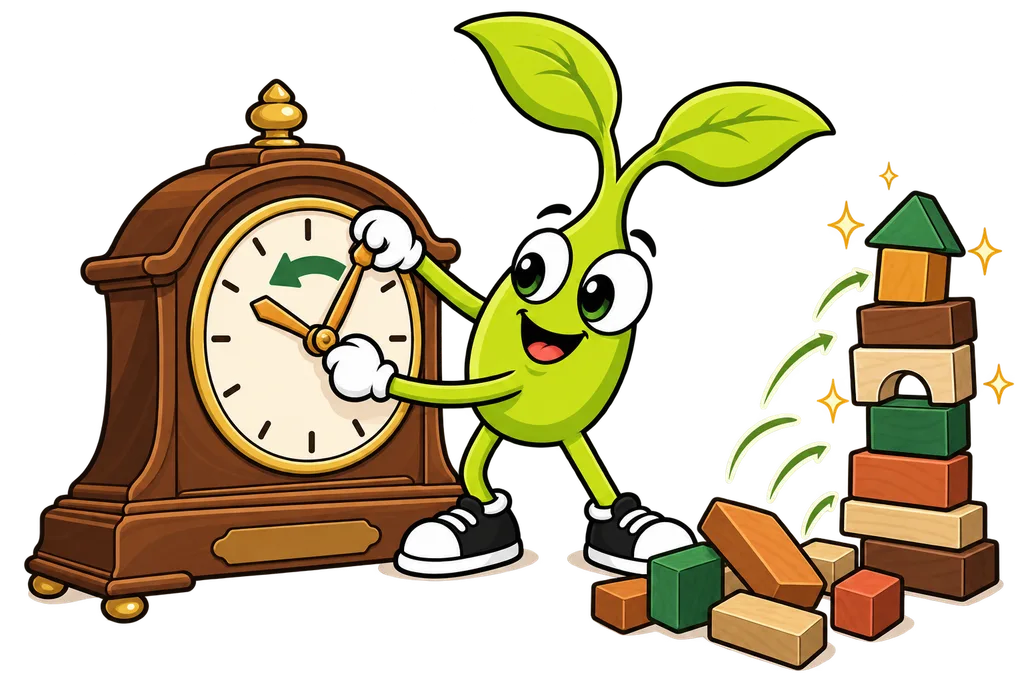
- Repository (repo) - Your project folder that Git is tracking
- Commit - A snapshot of your project at a specific moment
- History - The timeline of all your commits
And honestly? I'm living proof. I'm an operator, not a developer. I came up through local marketing, not code, and you can get a LOT done with Git when Claude Code runs the commands and you just keep track of what they mean.
Why This Matters for You#
Even if Claude Code handles every Git command, understanding version control helps you out.
- Feel safe to experiment - You can always undo mistakes
- Understand your project's history - See what changed and when
- Work with others - Git is how teams work on code together
- Talk to developers - "Commit" and "repository" are everyday words in tech
TL;DR#
- Git is a version control system, which means it saves snapshots of your work
- Each snapshot is called a "commit"
- You can go back to any earlier commit when something breaks
- Git tracks the history of every change to your project
- Claude Code handles the Git commands for you
What's Next?#
Git saves your work locally, right on your computer. But what if your computer dies? Or what if you want to share your code with someone? That's where GitHub comes in, and next lesson we'll look at how GitHub stores your Git projects online...
This lesson ends with a short activity.